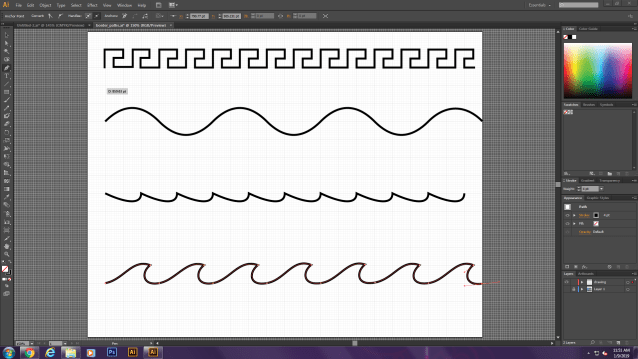
 I have completed the first chapter of the pen tool. I have learned about the different handles and how to get straight or curvy lines. When you want a straight line all you do is click once and than click to the other end and it creates a line. For curve lines you have to drag and than click to make a blue line, then you click and drag again to make the curve line. To be able to have a curve you have to shift and click on the place where you want the curve to happen. The last part is where you have to click and drag, but when you are done with the curve you have to hold alt and move over the line so it doesn’t go farther than you want it to.

 Terry's Blog