Before :

After :


Before :
After :
Before :
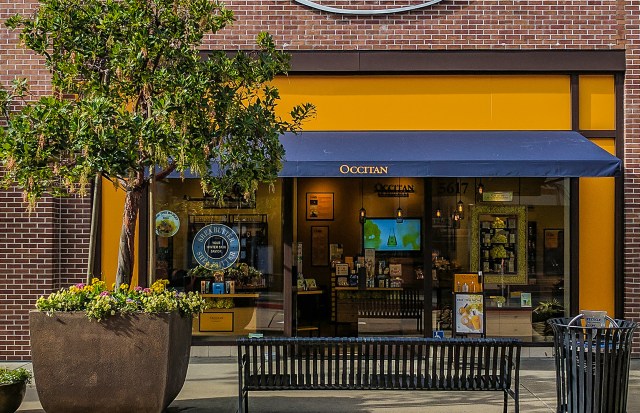
After :
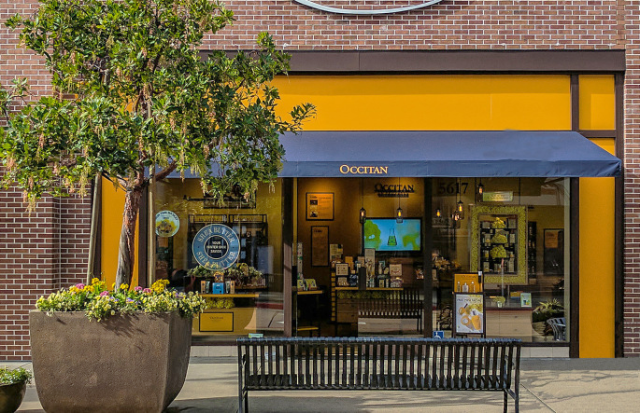
I use the clone stamp tool to erase the trashcan and pretend it wasn’t there. Than I put the brightness up and contrast down to give it a realistic effect.
Before :
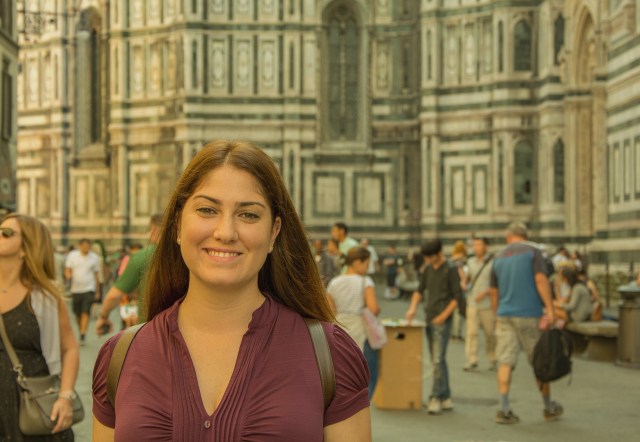
After : 
I used the levels tool to take out the yellow in the background and bring more color into the front. The purple came out from her shirt and the blue.
Extreme Closeup Shot :

Closeup Shot :

Medium Shot :
 Long Shot :
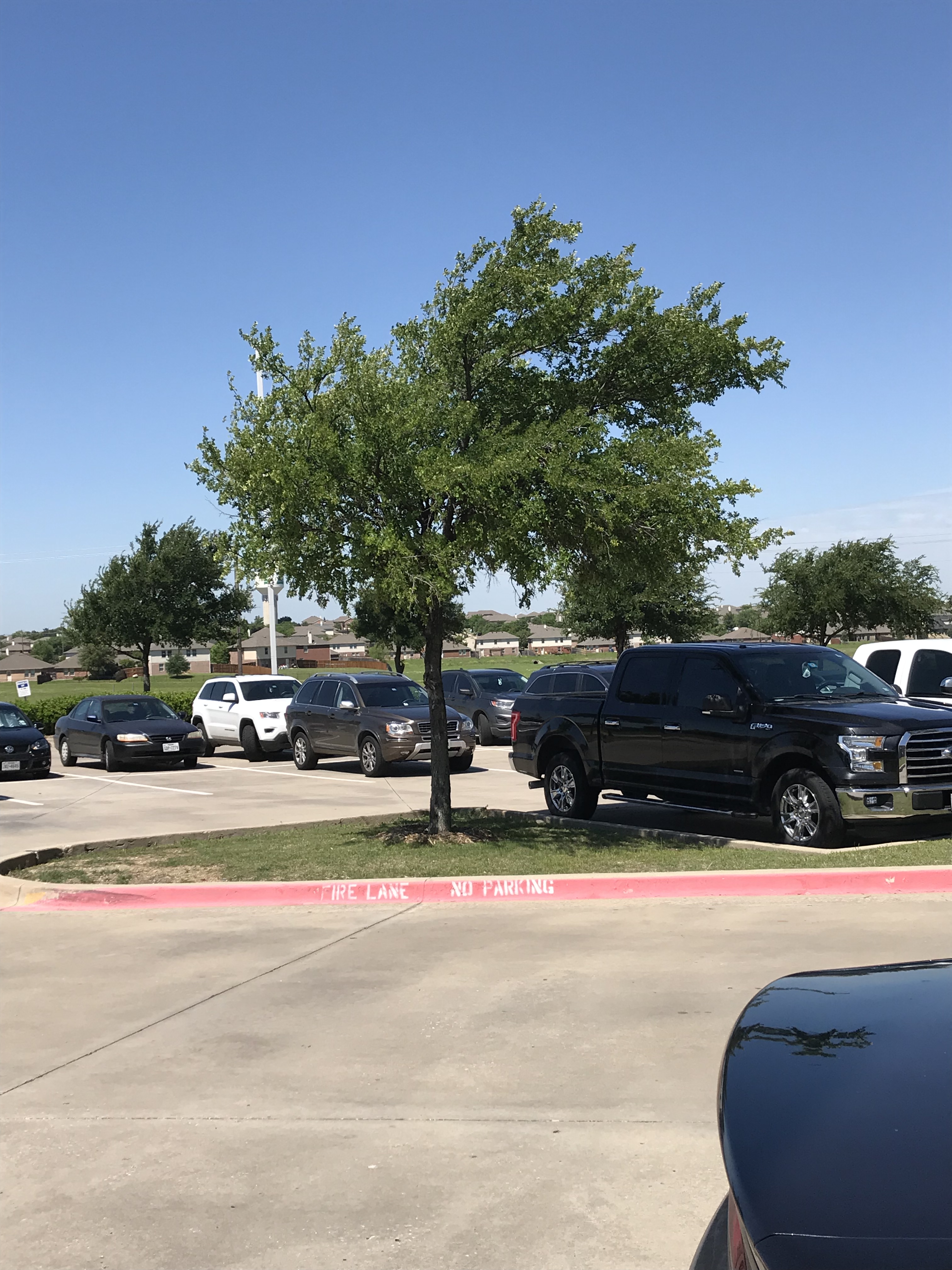
Extreme Long Shot :
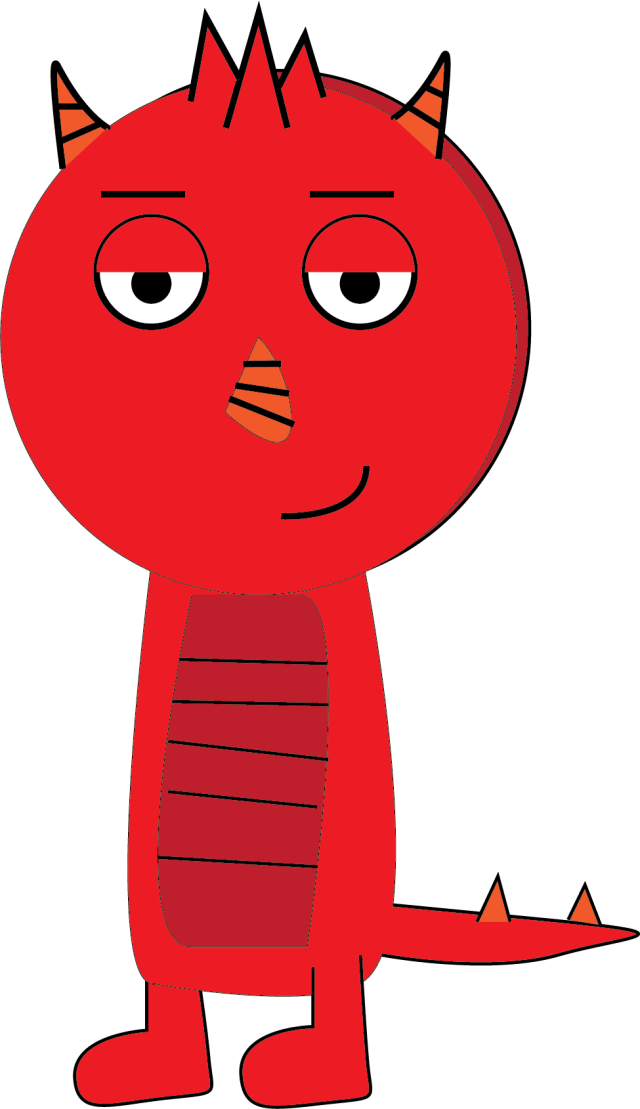
I learned how to create a chest, tail, and feet for my monster. All of these require the pen tool which we already learned. I changed the color from green to red to make it look like my own. Later on I’m going to put it on Adobe Animator and see how it works and add arms to it.
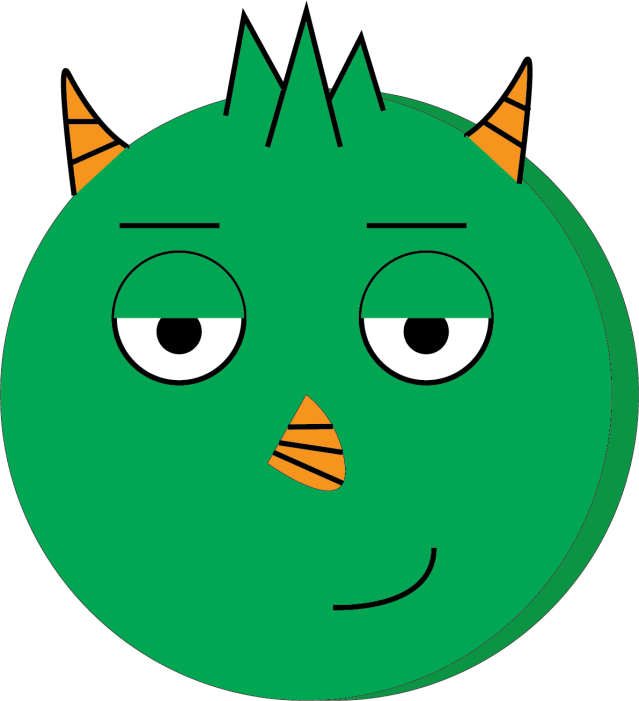
I learned how to create different face structures for the green monster. I also learned how to shadow the character with a darker color. I learned how to use the pen tool to make its horns and nose.
You can use Photoshop to change how the puppets look. You can basically change anything on the puppet you want to change, the eyes, the mouth, and the hair. I learned that you can create backgrounds and make the puppet match up and go along with the background. You can also create effects when your character does something. Basically you can do anything you want with your character to make a video.
Arm IK gives you total control of your character’s arms. You can control how the elbows move, bends, and stretches. You can put the circle in the different places to make your elbow bend or move differently. You can do many poses with the arm IK.
Adding magnets can make you connect or pick things up. You can do this to make your character pick up a coffee mug or something making it look more realistic.
You can have replays meaning that you can replay what you did to your character when it moved. You can make replays into a re playable trigger meaning that it will repeat the replay until you stop it.
 Terry's Blog